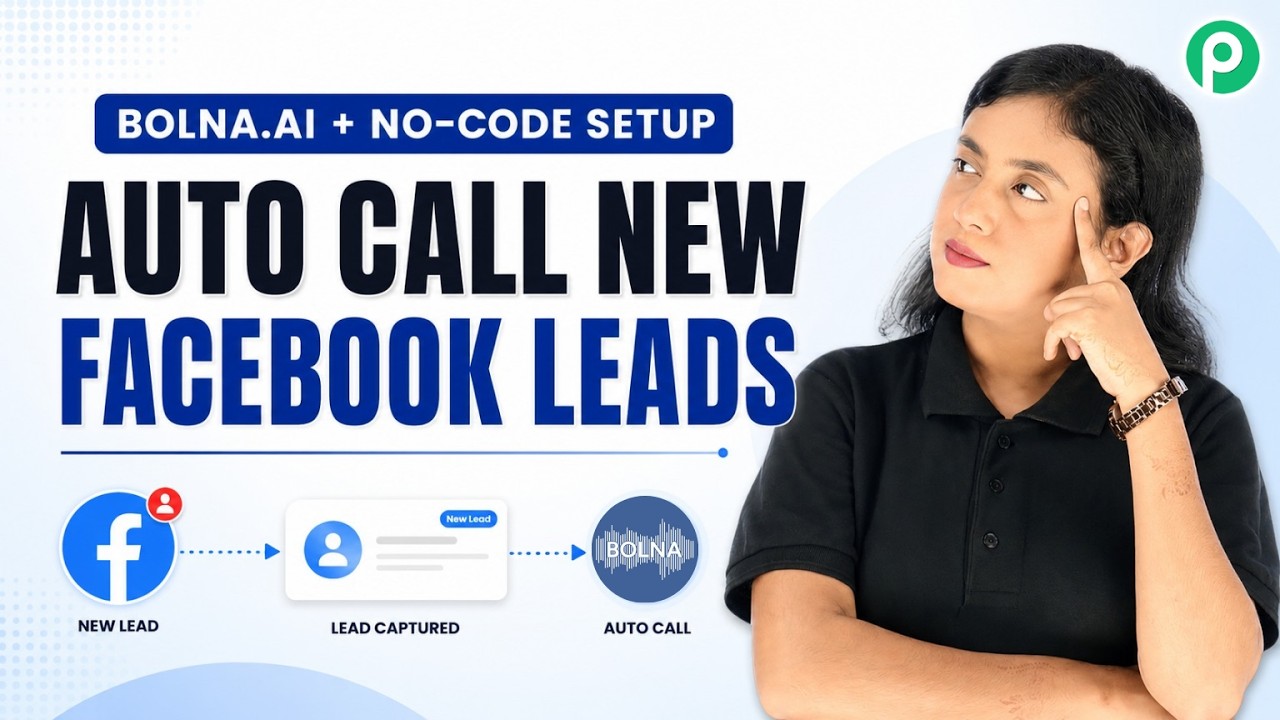
Watch Step By Step Video Tutorial Below
1. Accessing Pabbly Connect for Integration
To start integrating Facebook Lead Ads with Bolna AI, first, access Pabbly Connect. Open a new tab and go to pabbly.com/connect. If you are new, sign up for free to receive 100 free tasks every month.
After logging in, you can create a new workflow. The workflow will facilitate the integration process between Facebook Lead Ads and Bolna AI, allowing seamless lead management. This setup will enhance your lead conversion rates significantly.
2. Creating a Workflow in Pabbly Connect
In your Pabbly Connect dashboard, click on “Create Workflow”. Name your workflow appropriately, for example, “Facebook Lead Ads to Bolna AI Integration”. This title helps in identifying your workflow easily.
Next, select the trigger event. Here, choose “Facebook Lead Ads” as the trigger app. After selecting it, click on “New Lead” as the trigger event. This action will initiate the workflow whenever a new lead is generated. Ensure you connect your Facebook account to allow access to your lead data.
- Select your Facebook page.
- Choose the lead form you are using.
- Click on “Save and Send Test Request” to ensure the connection works.
After completing these steps, you will be ready to capture leads from Facebook. This is the first crucial step in using Pabbly Connect for your integration.
3. Integrating Bolna AI with Pabbly Connect
Now that you have set up the Facebook Lead Ads trigger, it’s time to integrate Bolna AI into the workflow. Go to the action step and select Bolna AI as the action app. This integration will allow you to make calls to your leads automatically.
When prompted, connect your Bolna AI account by providing the necessary API key. You can find this key in your Bolna AI account settings under API keys. After entering the key, select the agent you created in Bolna AI that will handle the calls.
- Choose the phone number field from the previous step to map the lead’s phone number.
- Set the schedule date and time for the call to be made.
- Ensure all details are correctly mapped before proceeding.
This integration step is crucial as it ensures that every new lead receives a personalized call through Bolna AI, facilitated by Pabbly Connect.
4. Testing the Integration
After setting up the integration between Facebook Lead Ads and Bolna AI, it’s important to test the workflow. To do this, generate a test lead using the Meta Lead Ads testing tool. Input dummy details to simulate a real lead.
Once you submit the test lead, return to Pabbly Connect and check if the lead’s data is captured correctly. You should see the details such as name, email, and phone number reflected in the workflow.
If everything is set up correctly, you will receive a notification of the scheduled call from Bolna AI. This confirms that the integration is functioning as intended, making your lead management process efficient.
5. Finalizing Your Setup
With the testing complete and successful, you can finalize your setup. Review all connections and ensure that the workflow is active. This will allow Pabbly Connect to continuously manage incoming leads automatically.
You can also customize notifications or add additional actions in the workflow if needed. This flexibility allows you to tailor the process according to your business needs.
By using Pabbly Connect, you are not only streamlining the lead management process but also enhancing customer engagement through timely calls. This integration setup is a game-changer for your business.
Conclusion
In this tutorial, we explored how to integrate Facebook Lead Ads with Bolna AI using Pabbly Connect. This setup allows for efficient lead management and enhances customer engagement through automated calls. Start using Pabbly Connect today for seamless integrations!
PakarPBN
A Private Blog Network (PBN) is a collection of websites that are controlled by a single individual or organization and used primarily to build backlinks to a “money site” in order to influence its ranking in search engines such as Google. The core idea behind a PBN is based on the importance of backlinks in Google’s ranking algorithm. Since Google views backlinks as signals of authority and trust, some website owners attempt to artificially create these signals through a controlled network of sites.
In a typical PBN setup, the owner acquires expired or aged domains that already have existing authority, backlinks, and history. These domains are rebuilt with new content and hosted separately, often using different IP addresses, hosting providers, themes, and ownership details to make them appear unrelated. Within the content published on these sites, links are strategically placed that point to the main website the owner wants to rank higher. By doing this, the owner attempts to pass link equity (also known as “link juice”) from the PBN sites to the target website.
The purpose of a PBN is to give the impression that the target website is naturally earning links from multiple independent sources. If done effectively, this can temporarily improve keyword rankings, increase organic visibility, and drive more traffic from search results.