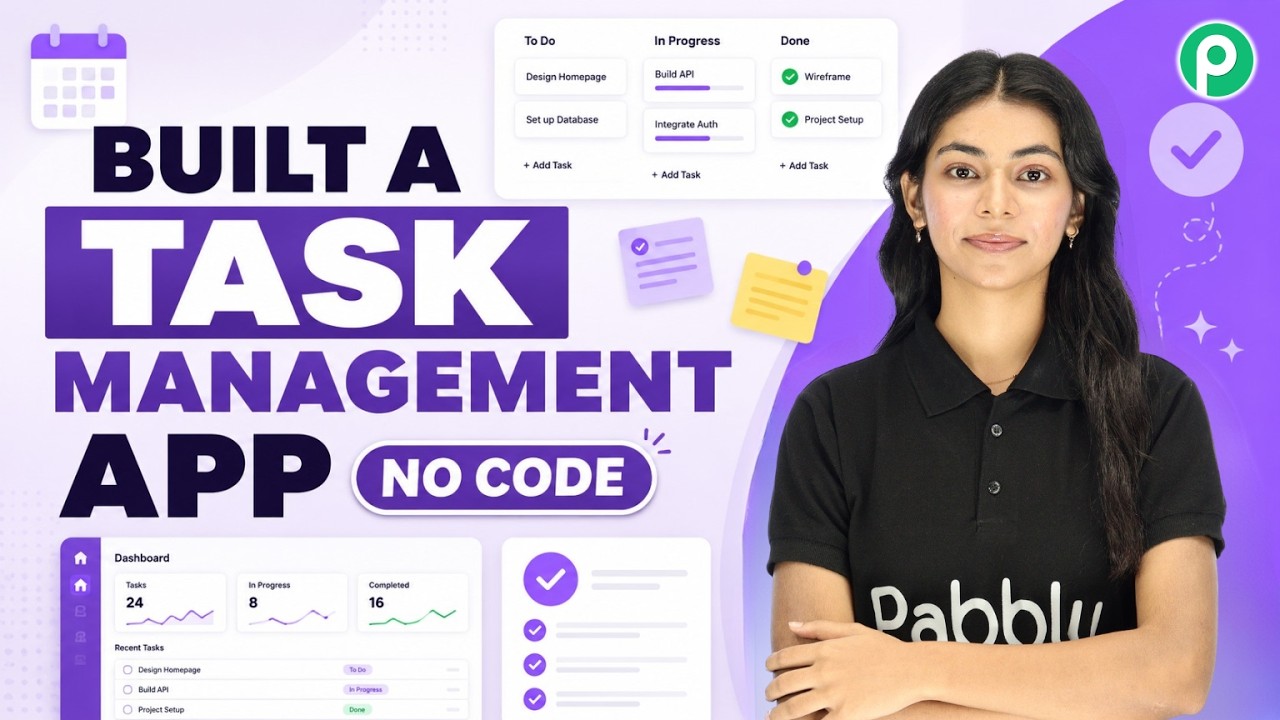
Watch Step By Step Video Tutorial Below
1. Accessing Pabbly Connect for Your Task Management App
To start building your task management app, the first step is to access Pabbly Connect. Simply open a new tab and go to pabbly.com. If you are a new user, you can register for a free trial, but as a current user, I will log in directly.
Once logged in, you will see the dashboard. Scroll down to find Pabbly Studio, which is the tool we will use to create our app. Click on ‘Access Now’ to proceed. This sets the stage for integrating various functionalities into your task management app.
2. Creating Your Task Management App with Pabbly Studio
With Pabbly Connect, you can create your task management app seamlessly. Click on the “Create App” button in Pabbly Studio. Here, you can name your app; I chose “Taski”. This name will represent your application throughout the process.
Next, you will need to provide a description of your app’s functionality. This includes features like adding employees, creating tasks, assigning them, setting deadlines, and tracking statuses. Here are the key features to include:
- Add and manage employees
- Create and assign tasks
- Set deadlines and priorities
- Track task statuses
Once you have filled out the description, click on the “Submit” button to finalize your app creation.
3. Adding Tasks in Your Task Management App Using Pabbly Connect
After successfully creating your app, it’s time to add tasks. Navigate to the “Add Task” section in your Taski app. Here, you can create a new task by providing details such as the task name and description.
For example, I added a task titled “Social Media Posts” with a description of “10 Reels” and set the deadline for September 7th. This demonstrates how Pabbly Connect allows you to manage tasks effectively in one centralized location.
4. User Interface and Functionality of the Task Management App
The user interface of your Taski app is designed to be intuitive. With Pabbly Connect, you can easily navigate through the dashboard to see all tasks, their statuses, and who they are assigned to. This organization is crucial for effective task management.
For instance, you can view pending tasks, tasks in progress, and completed tasks all in one place. This ensures that team members can quickly check their responsibilities and deadlines without confusion.
Additionally, the app is mobile-friendly, allowing users to access it on their tablets or smartphones without the need for installation. This flexibility enhances productivity as employees can manage their tasks on the go.
5. Conclusion: Building Your Task Management App Without Coding
In conclusion, using Pabbly Connect and Pabbly Studio, you can build a functional task management app without any coding knowledge. The process is straightforward, from accessing Pabbly Connect to creating and managing tasks.
This approach not only simplifies task management but also allows you to focus on what really matters—getting work done efficiently. If you have a task management idea, you can bring it to life using these powerful tools.
PakarPBN
A Private Blog Network (PBN) is a collection of websites that are controlled by a single individual or organization and used primarily to build backlinks to a “money site” in order to influence its ranking in search engines such as Google. The core idea behind a PBN is based on the importance of backlinks in Google’s ranking algorithm. Since Google views backlinks as signals of authority and trust, some website owners attempt to artificially create these signals through a controlled network of sites.
In a typical PBN setup, the owner acquires expired or aged domains that already have existing authority, backlinks, and history. These domains are rebuilt with new content and hosted separately, often using different IP addresses, hosting providers, themes, and ownership details to make them appear unrelated. Within the content published on these sites, links are strategically placed that point to the main website the owner wants to rank higher. By doing this, the owner attempts to pass link equity (also known as “link juice”) from the PBN sites to the target website.
The purpose of a PBN is to give the impression that the target website is naturally earning links from multiple independent sources. If done effectively, this can temporarily improve keyword rankings, increase organic visibility, and drive more traffic from search results.